SEO for Resource Hubs: Organising Guides Into a Ranking Library
Guides scattered across a blog are hard to find and harder to rank as a set. How to build a resource hub that gathers them into one browsable library: auditing what you have, grouping by the question each guide answers, linking hub and guides in both directions, and keeping the library current so it earns topical authority.
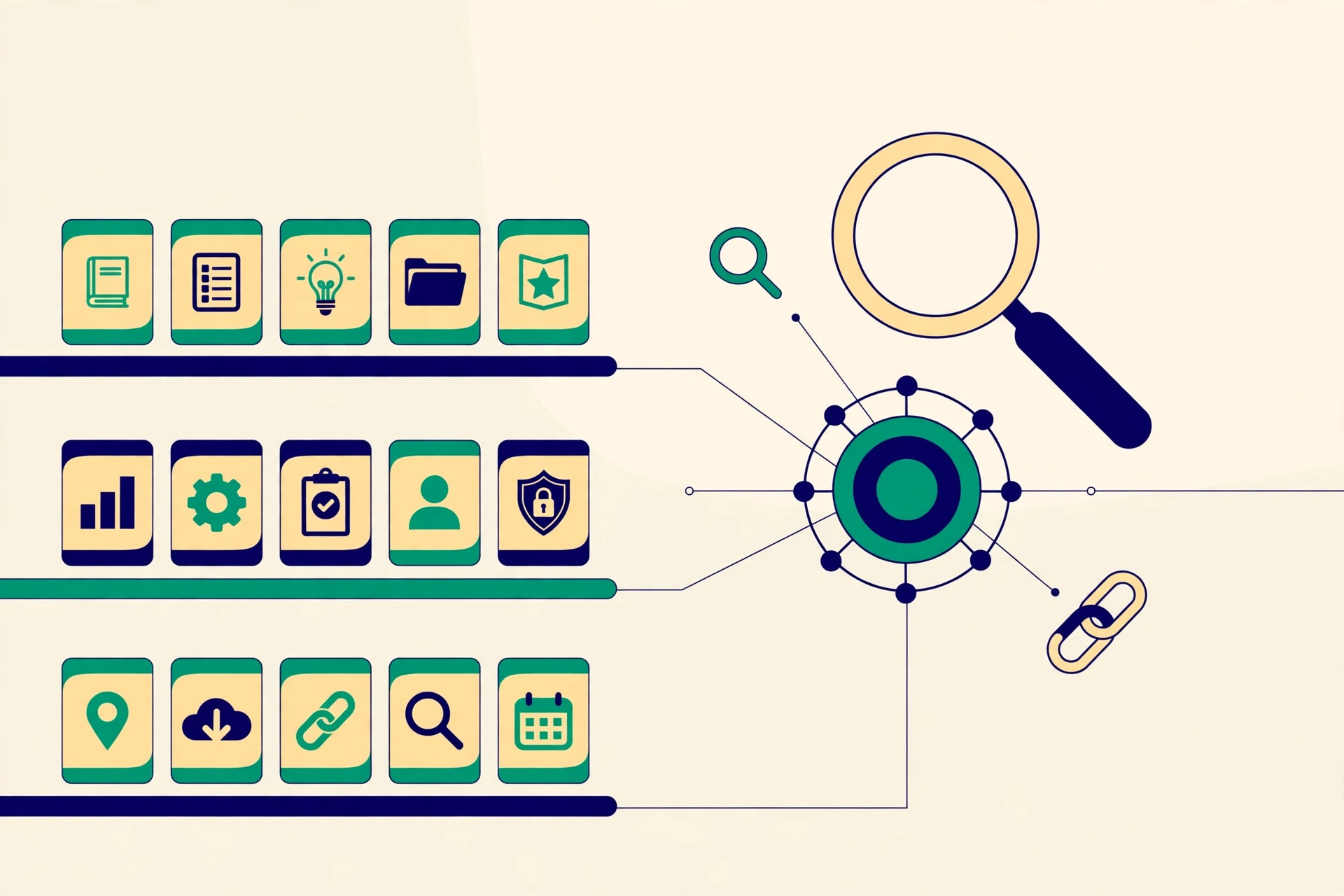
Most sites do not have a content problem. They have an organisation problem. The guides exist — a keyword research walkthrough from March, a link building checklist from June, a technical audit template from last year — but they sit scattered across the blog, each one ranking or not ranking on its own, and no visitor or crawler can see how they fit together. A resource hub fixes that. It is one page that gathers a set of guides on a single topic into a browsable library, organised by subtopic, linked in both directions, and kept up to date. Built well, it turns a pile of posts into a destination readers can use as a starting point.
What a resource hub actually is
A resource hub is a curated landing page for one topic. It introduces the topic briefly, then groups the guides that cover it into sections — by subtopic, by skill level, or by the job the reader is trying to do — with a short description of each guide and a link to it. Every guide in the hub links back to the hub, and guides that belong together link to each other. The hub is the map; the guides are the territory.
It is not the same thing as a category page, although the two get confused. A category page is an automatic archive: every post tagged with a label, listed newest first, with no curation and no commentary. A hub is hand-built. Someone decided what belongs, what order it goes in, and what is missing. That judgement is what makes it useful, to readers and to search engines, because a list sorted by date tells a crawler nothing about which pages matter most on the topic.
It is also not quite a pillar page, though the two are close cousins. A pillar page is a long article that covers a broad topic in depth on the page itself and links out to detailed cluster articles. A resource hub is lighter on its own text and heavier on curation: it organises the teaching that already exists elsewhere on the site rather than teaching the whole topic on one page. If you have five strong guides and no single page that ties them together, a hub is usually the faster and more honest build than a pillar page, because it reuses work you have already done. The two can coexist, but a hub does not need a pillar page to work.
Why hubs rank
The ranking case for a hub rests on two things search engines already reward. The first is topical authority, which is a practical idea rather than a score: a site that covers a topic thoroughly, with connected pages rather than isolated ones, is easier for a search engine to trust on that topic. A hub makes that coverage visible. Instead of asking a crawler to infer the relationship between twenty scattered posts, you state it on one page, in the structure, the headings and the links.
The second is crawl efficiency. A crawler that lands on a hub finds links to every guide on the topic in one place, and every guide links back to the hub. That keeps the important pages close to the pages that already have authority, and it keeps new guides from becoming orphans — pages with no internal links pointing at them, which crawlers may visit rarely or never. When you publish a new guide on a covered topic, adding it to the hub is often the fastest way to get it crawled.
Start with an audit, not a design
The mistake most teams make is designing the hub before deciding what goes in it. Start with an inventory instead. List every guide, template and video the site already has on the topic, then sort them by the question they answer, not by format. A keyword research guide and a rank tracking guide belong to different groups even though both are articles; a checklist and a video that answer the same question belong together.
The audit will surface three kinds of problem. First, gaps: subtopics the hub needs but no guide covers yet. Write those down as a commissioning list. Second, duplicates: two guides covering the same ground, which should be merged or given clearly different angles before either is featured. Third, stragglers: posts that mention the topic in passing but are really about something else. Leave those out — a hub that links only to the guides that genuinely belong earns its keep.
Set a size rule before you start. A hub built around a topic that supports roughly five to fifteen guides is a comfortable shape — enough to organise into sections, few enough that each guide still matters. Fewer than five and the hub is barely worth a page; call it a guide series instead. More than fifteen and you probably have two topics pretending to be one.
Designing the hub page
The hub page itself should be simple. A short introduction that says what the topic is, who the hub is for, and what the reader will be able to do after working through it. Then the guides, grouped into sections with plain headings that name the subtopic. Under each heading, a short list of guides with a one-line description of what each one covers. A reader should be able to scan the page in under a minute and know exactly where to start.
Order the sections the way a person learns the topic, not the way the guides were published. Beginner material first, advanced material later, with the most-used guides near the top. Resist the temptation to order by date or alphabetically; neither helps a reader decide what to read next.
Add one piece of functionality and keep it modest: a way to filter by level or by format, if the hub is large enough to need it. Do not add carousels, tabs that hide content behind clicks, or infinite scroll. Crawlers and readers both prefer content that is on the page, in the open, on first load.
The hub also needs to be findable from the rest of the site. Link to it from the main navigation or a resources menu, and from every guide it contains — naming the hub by its topic so the link reads naturally. A hub that is only reachable from the blog index is a hub most readers will never see.
The linking rules that make it work
A hub only works if the links run in both directions. Every guide in the hub links back to the hub, with anchor text that names the topic rather than a generic phrase. "See the full technical SEO guide collection" tells a crawler and a reader what the link is; "click here" tells them nothing. The hub links to every guide, and guides link to their siblings where the reader would genuinely benefit — a keyword research guide linking to the rank tracking guide that follows it, for example.
There is one linking discipline that matters more than the rest: when you publish a new guide on a covered topic, update the hub the same day. Add the guide to the right section, link the hub from the guide, and add links from the two or three closest existing guides. A hub that is a month behind the site's own publishing is not a library; it is an archive with ambitions. Making the hub update part of the publishing checklist keeps it useful.
The SEO basics of the hub page itself
Treat the hub as a page that should rank in its own right, not just as a signpost. Give it a title that names the topic and the fact that it is a collection: "Technical SEO Guides" is a hub; "Resources" is not. Write a short description that says what is inside. Use one clear heading for the page title and one heading per section, so a crawler can read the structure of the topic from the heading hierarchy alone.
The hub page should also be honest about what it is. It is a collection page, and the structured data that fits a collection is a list of the items it contains, not an article about a single subject. Marking a hub up as if it were a 2,000-word article would misrepresent it to search engines. Check the current guidance in Google Search Central before adding any structured data; a hub that misuses schema is worse off than one that uses none.
One more decision to make early: whether the hub should be indexed at all. Almost always the answer is yes — the hub is a real page with real content and it targets a real query. The exception is a hub built for internal navigation only, such as a staff training index, which should carry a noindex tag rather than compete with the guides themselves.
Keeping the hub alive
A hub is a living page, and it needs a maintenance rhythm. Once a quarter, walk through it the way a new reader would. Check that every link still works and still points at the right guide. Read the one-line descriptions and update any that no longer match what the guide actually says. Look for guides published since the last review that were never added, and for guides that have gone out of date.
The same review is the right moment to look at what the hub is doing. Which guides get the most clicks from the hub? Which sections do readers skip? Are there search queries landing on the hub that no guide in it answers? Those answers are the commissioning list for the next quarter. A hub that grows in response to what readers actually ask for keeps earning its place.
The mistakes that kill a hub
The first is building the hub before the content exists. A hub with two guides and eight empty sections is a promise the site cannot keep, and it tells a crawler that the topic is thin. Build hubs around the guides you already have; commission the missing pieces after the hub is live.
The second is treating the hub as a dumping ground. Every guide that mentions the topic gets added, the sections multiply, the page grows to hundreds of links, and the curation that made it valuable disappears. If a guide does not clearly belong, leave it out — a smaller, tighter hub outperforms a comprehensive one that nobody can navigate.
The third is automation without judgement. A page generated from a tag, or a template that auto-lists posts, will look like a hub and behave like a category archive. The value of a hub is the editorial decision about what belongs and in what order, and that decision cannot be delegated to a query.
A hub is a promise about your content
The best way to think about a resource hub is as a promise: this site covers this topic, here is the whole of it, organised so you can learn it in order. Every choice in the hub is either keeping that promise or breaking it. Start with the topic you already cover best, build the hub around the guides you already have, link it in both directions, and keep it current. The rankings that follow are a side effect of having kept the promise, and they last as long as the promise does.
This article is educational guidance on SEO and content strategy; search engine behaviour differs by site, niche and implementation, and nothing here guarantees rankings, traffic or indexation outcomes. Check the current guidance in Google Search Central before changing index, canonical or structured-data rules on a live site.
Recommended products
Keep reading
- Internal Linking Strategy: The Highest-Leverage SEO Win in 2026Most sites that 'publish a lot but don't rank' have one problem: a flat link graph. Fix internal linking first.
- Content Decay: Finding and Reviving Pages That Lost TrafficTraffic loss is usually gradual, diagnosable and reversible. Compare, triage, then revive the pages that still deserve to rank — the links and history are already there.
- SEO for Help Centres: Support Articles That Rank and Reduce TicketsA help centre is a library of pages that answer exact, problem-shaped questions. Treat it as public documentation and every article that ranks is a ticket that never gets created.
Explore the full Zeshly product suite, read more on the Zeshly blog, or head back to the homepage.
Ready to put this into practice?
Spin up Zeshly free for 14 days and ship the playbook above on your own site.