Content Decay: Finding and Reviving Pages That Lost Traffic
Pages that once ranked do not stay ranked on their own. How to find the pages that lost traffic in Search Console, work out why each one decayed, and revive the ones worth saving — without changing the URL.
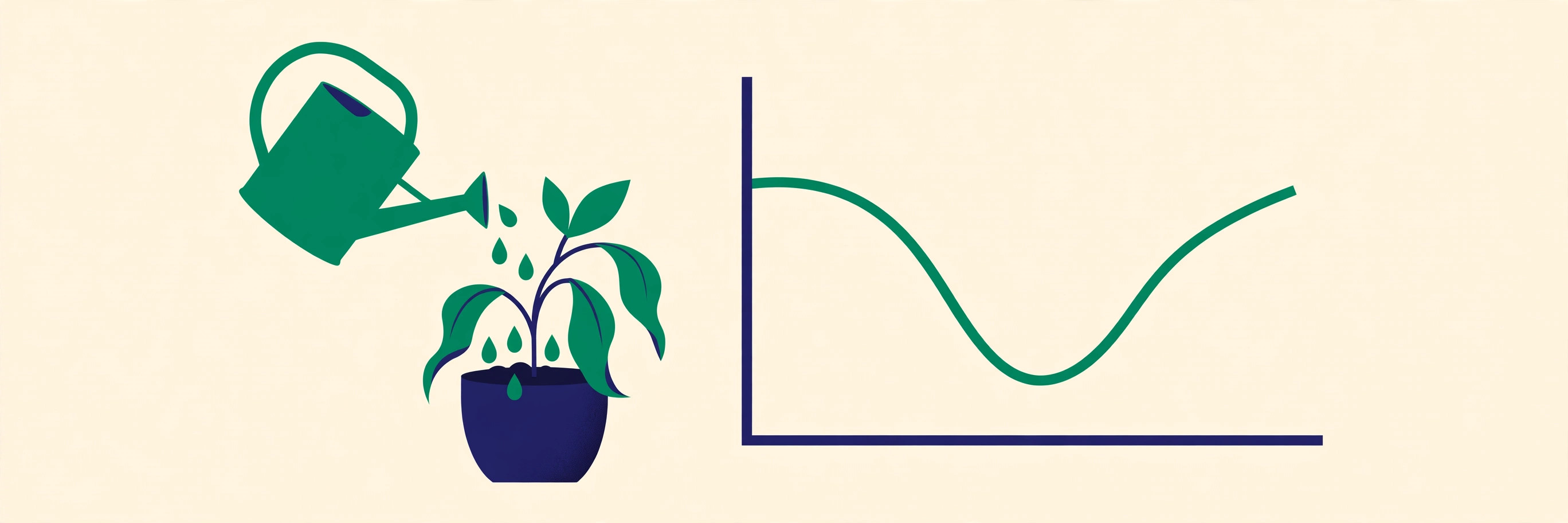
Every site has pages that used to work and quietly stopped. A guide that brought in steady traffic for a year starts slipping down the results, a few positions at a time, until one morning it is on page two and the clicks have halved. Nothing broke. No penalty arrived. The page simply decayed, and nobody noticed until the traffic was gone.
Content decay is the slow loss of search traffic from pages that once ranked well. It happens to every site with more than a handful of pages, because the web around a page keeps moving: competitors publish better answers, search intent shifts, facts go stale, and the page itself stays exactly as it was. The good news is that decay is findable, diagnosable, and often reversible — and reviving a page that already has links and history is usually faster than ranking a new one from scratch.
What decay looks like in the data
Decay rarely announces itself with a cliff. The usual pattern is a slow slide: clicks falling a little each month while impressions stay roughly flat, or impressions falling too as the page loses positions for its main queries. A sudden drop to zero is a different problem — a technical fault, a deindexing, a redirect gone wrong — and it needs a different fix. Decay is the gradual kind, the kind you only see when you compare months, not days.
That is why the first skill in fighting decay is comparison. A single month of data tells you almost nothing; a page always wobbles week to week. What matters is the trend: this quarter against the same quarter a year ago, or the last three months against the three before them. If clicks are down by a third and the average position has slipped from 6 to 14, the page is decaying. If clicks are down but the position is steady, the cause may be seasonal demand or a change in how the results page looks, not the page itself.
Finding the pages that have decayed
Start in Search Console, in the Performance report, on the Pages tab. Set the date range to the last three months, open the Compare tab, and compare it with the same three months a year earlier. Sort by the change in clicks. The pages at the top of the loss column are your decay list. Search Console keeps 16 months of performance data in a rolling window, so a year-over-year comparison is possible — but only just. Data older than 16 months is gone from Google's side entirely, which is why a monthly export of the Pages tab into a spreadsheet is worth the five minutes it takes: it builds the history Search Console cannot keep for you.
Two details in the data are worth knowing. First, the Performance report in the interface shows up to 1,000 rows per table, so on a large site you will only see the biggest pages; the API returns far more rows per request, which is the route to take once the site passes a few hundred pages. Second, new data usually arrives two to three days late, so never judge a page on the most recent days — compare finished months with finished months.
Cross-check the list against your analytics. A page whose search clicks fell but whose total sessions held up may have lost rankings for one query while gaining traffic from another source, or the other way round. The pages that matter are the ones where search traffic fell and nothing replaced it. Those are the pages worth reviving.
Five reasons pages lose traffic
Before touching a page, work out why it decayed. The fix depends on the cause, and most decayed pages have one dominant cause.
Freshness. The page's facts, examples, screenshots or recommendations are out of date. A guide that still quotes last year's limits, links to tools that changed their names, or shows an interface that no longer exists slowly loses trust — first with readers, then with rankings. Time-sensitive topics decay fastest; evergreen topics decay slowest.
Intent shift. What searchers want from the query has changed. A phrase that once meant a how-to guide may now be answered by a product page, a video, or an AI summary, and a page written for the old intent no longer matches what the results page rewards. The page did not get worse; the question changed.
Stronger competition. A rival published a deeper, better-structured, better-illustrated answer, or several rivals did. Your page is still as good as it was, but the bar moved. This is the most common cause on commercial topics, and the fix is a genuinely better page, not a cosmetic refresh.
Cannibalisation. Your own site published new pages that target the same queries. The old page's rankings split across two or three URLs, and none of them ranks as well as the one used to. This one is easy to spot: the decayed page's lost queries show up on another of your pages.
Neglect on the technical side. Internal links to the page were removed in a redesign, the page fell out of the sitemap or the navigation, or it slowed down after new scripts were added. The content is fine; the site stopped pointing at it.
Triage: revive, merge, or let go
Not every decayed page deserves to be saved. Run the list through three questions. Does the page still serve a query people search for? Does it support a page or product that matters to the business? And how much work would a real revival take? A page that answers all three is a revive. A page whose queries are now covered better by another page on your site is a merge: fold its best material into the stronger page and redirect the old URL to it. A page whose topic has no search demand left, and no business value, is a let-go — leave it, or remove it if it actively confuses the site.
Be honest about effort. A page that needs new research, new examples and a restructure is a half-day of work, and it is only worth it if the traffic it can recover is worth a half-day. A page that needs a facts update and a few new paragraphs is an hour, and most of those are worth doing. The triage list should have a short, honest effort estimate next to every page, or the revival queue will fill with pages nobody ever gets to.
How to revive a decayed page
Start by reading the page as a searcher would, not as its author. Search the page's main query and look at what ranks now: the angles, the depth, the formats. The gap between your page and the current top results is the work list. Usually it is one of three things: missing subtopics the query now expects, outdated facts, or a structure that buries the answer.
Update the facts first, including the small ones. Dates, figures, tool names, screenshots, links to sources that moved. Then add what is missing: the subtopic every competitor covers and you do not, the question the People Also Ask box keeps raising, the example that makes an abstract point concrete. Cut what no longer belongs. A revival is not a rewrite for its own sake — keep the sentences and sections that still earn their place, and replace the ones that do not.
Fix the page's connections while you are there. Add internal links from newer pages that mention the topic, and check the links out of the revived page still point at live, relevant pages. A page with no internal links pointing at it is a page the site has forgotten, and search engines take the hint. Then update the page's date to the day you revived it — honestly, because that is when the work happened — and ask for reindexing through Search Console's URL Inspection tool. Do not change the URL: the page's links and history live at that address, and a new URL throws them away.
Then wait, and measure properly. A revived page rarely jumps back in a week. Give it six to eight weeks, compare the same finished months as before, and judge it on clicks and average position for its main queries, not on a single day's spike. If it recovers, the revival worked and the page joins the regular review cycle. If it does not, the diagnosis was wrong — revisit the cause, or accept the merge decision you deferred.
What not to do
A few mistakes turn revivals into damage. Do not change the URL or the slug to make the page feel new; you will lose the links and history that make the page worth reviving. Do not stamp a new date on a page you have not actually updated — readers notice, and a date that lies about freshness is worse than an old honest one. Do not rewrite a page that only needs a targeted update; a full rewrite risks losing the exact phrasing and structure that earned the rankings in the first place. And do not chase every small dip. A page that lost a few clicks in one month is noise; a page that lost a third of its clicks over a quarter is decay.
A monthly decay routine
Decay work is a routine, not a project. Once a month, export the Pages tab, compare the last three months with the same period a year ago, and pull out the five biggest losers. Triage them in one sitting, revive the ones that pass the test, and note the date so you can check recovery two months later. An hour a month keeps the catalogue from quietly rotting, and it is the cheapest traffic a site can win — the pages already exist, the links already point at them, and the rankings were already earned once.
This article is educational guidance on SEO and content maintenance; Google's guidance on indexing, structured data and spam policies changes over time, results differ by site, niche and execution, and nothing here guarantees rankings in search results, AI Overviews or AI Mode.
Recommended products
Keep reading
- The Content Refresh Workflow That Doubled Our TrafficRefreshing old posts is the highest-ROI content work you can do. Here's the workflow we use every quarter.
- The SEO Content Audit Process That Recovers TrafficMost sites are bleeding traffic from pages that could be fixed in an afternoon — a structured content audit is the fastest ROI move in SEO.
- Evergreen Content Strategy: Build Assets That CompoundEvergreen content is the closest thing SEO has to passive income. Here's how to build a library that compounds.
Explore the full Zeshly product suite, read more on the Zeshly blog, or head back to the homepage.
Ready to put this into practice?
Spin up Zeshly free for 14 days and ship the playbook above on your own site.